A HECS repayment calculator estimates the compulsory student loan repayment the ATO will add to your tax assessment for a given financial year. You enter your expected repayment income, the tool applies the thresholds and rates published by the ATO for that year, and it returns an annual figure. That figure is not a bill you pay separately. It is collected through the tax system when your return is assessed, offset against the tax already withheld from your pay.
This guide is for anyone with a HELP, VET Student Loan, SFSS or similar study and training support loan who wants to know two things: how much will come out this year, and what changes that number. It covers the marginal repayment system that started on 1 July 2025, the income the ATO actually counts, how to read your payslip against an annual estimate, and where an estimate stops being reliable.
For the loan itself, including who can defer fees and how enrolment affects access, see our guide to HECS eligibility, applying and repayments. This page stays on the calculation. If you also want to see how repayments interact with tax and Medicare levy on each pay cycle, the Deductit pay calculator models take-home pay for the current year.
One point most sources skip: a repayment estimate built on annual figures will rarely match the total your employer withholds. Employers use the ATO's withholding tables on each pay period, so overtime, bonuses and irregular hours push withholding above or below the true annual liability, and the difference shows up as a refund or a shortfall at lodgement.
Key takeaways
- Compulsory student loan repayments are worked out on your repayment income for the whole financial year, not on your base salary or the amount withheld from each payslip.
- From 1 July 2025 the ATO applies a marginal repayment system: you pay a percentage only on the income above each threshold, instead of a flat percentage of your entire repayment income.
- The first repayment threshold for 2025-26 is $67,000, so income at or under that level attracts no compulsory repayment for the year.
- Repayment income is more than taxable income. The ATO adds back reportable fringe benefits, reportable employer super contributions, net investment losses, exempt foreign employment income and total net investment loss.
- A HECS repayment calculator gives an estimate only. Your assessed amount is set when the ATO processes your return, and indexation and the one-off 20% balance reduction change your balance rather than your annual repayment.
HECS Repayment Calculator: Estimate Your Compulsory Repayment
A HECS repayment calculator works by taking one input, your repayment income for the year, and running it through the ATO's published threshold table. Under the marginal system, the tool identifies which band your income falls into, applies that band's rate to the portion of income above the band's lower limit, and adds any amount already accumulated from lower bands. The output is your compulsory repayment for the year, rounded to the nearest dollar by the ATO on assessment.
To use a HECS repayment calculator 2026 result properly, you need four things before you start: your expected gross salary and wages, any reportable fringe benefits and reportable employer super contributions shown on your income statement, any net rental or other investment loss for the year, and the outstanding balance of your loan. The balance matters because your repayment is capped at what you still owe. If you owe $900 and the rate calculation produces $2,400, only $900 is payable.
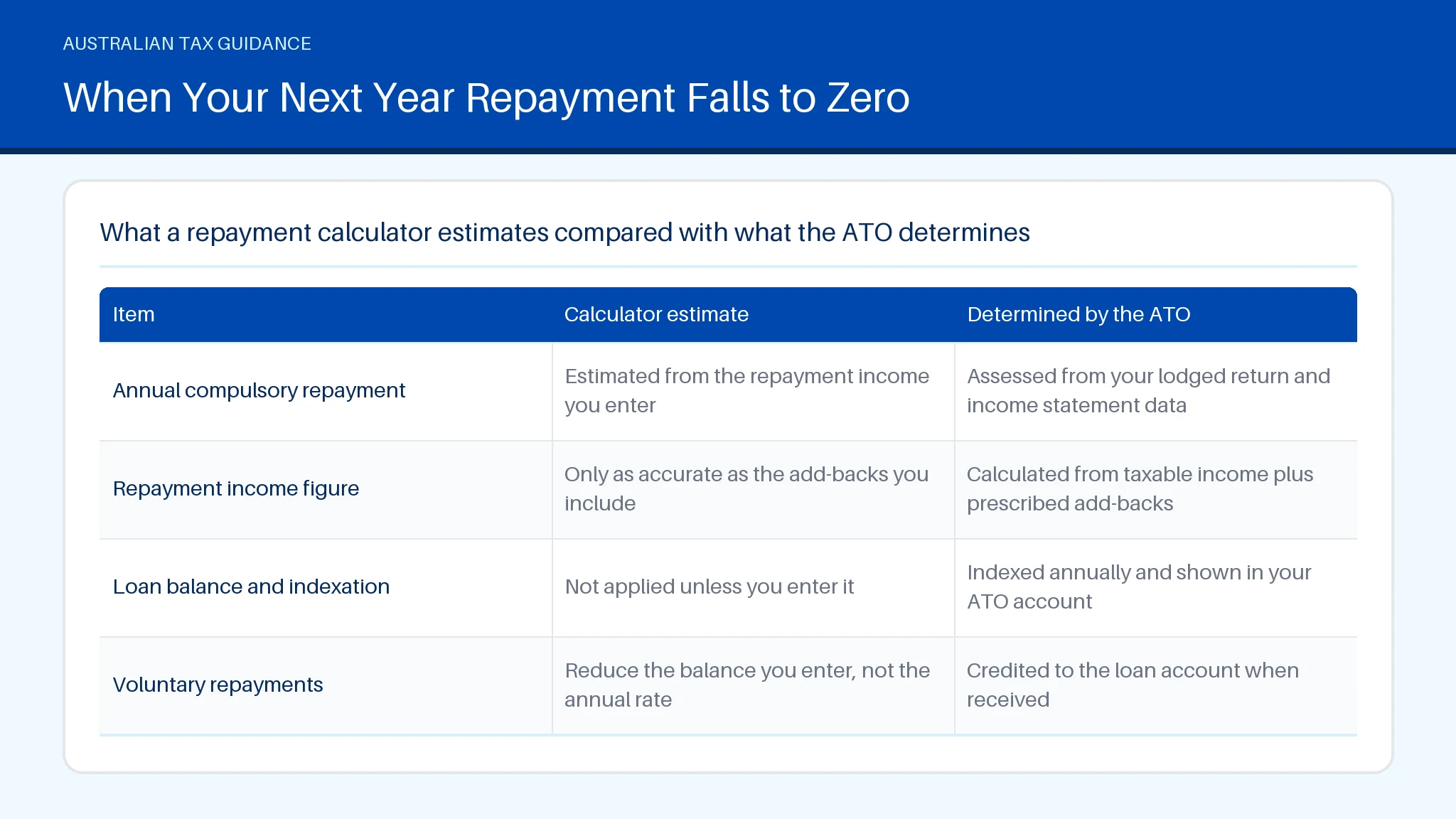
The table below sets out what a HECS repayment calculator 2026 can and cannot settle for you.
| Item | Calculator estimate | Determined by the ATO |
|---|---|---|
| Annual compulsory repayment | Estimated from the repayment income you enter | Assessed from your lodged return and income statement data |
| Repayment income figure | Only as accurate as the add-backs you include | Calculated from taxable income plus prescribed add-backs |
| Loan balance and indexation | Not applied unless you enter it | Indexed annually and shown in your ATO account |
| Voluntary repayments | Reduce the balance you enter, not the annual rate | Credited to the loan account when received |
What Changed in the 2025 Student Loan Repayment Reforms
The 2025 reforms changed both the entry point and the method. From 1 July 2025 the ATO applies a single HECS repayment threshold of $67,000 for HELP and other study and training support loans, and repayments above that point are worked out on a marginal basis rather than as a flat percentage of total income. A separate one-off 20% reduction was applied to outstanding HELP and HECS balances, which lowers what you owe overall without changing the rate applied to this year's income.
Two practical consequences follow. First, the sharp jump in repayments that used to occur when income crossed a band boundary is gone, so a small pay rise no longer triggers a disproportionate repayment. Second, any HECS repayment calculator built on pre-2025 flat rates will overstate repayments for most incomes just above the threshold. Balance questions, including how the 20% cut interacts with indexation, are covered in our guide on checking your HECS debt through myGov and myHELPbalance.
How Marginal Rates Replaced Flat Percentage Repayment Rates
Under the old system, one rate applied to your entire repayment income once you crossed a threshold. Someone on $70,000 paid a set percentage of all $70,000. Under the marginal system, the rate applies only to income above the relevant threshold, which is how the individual income tax brackets have always worked.
The effect is that your average repayment rate is always lower than your marginal repayment rate. A worker just above $67,000 pays a small amount on the excess only, while a worker on $140,000 pays higher rates on the top slice of income and lower rates on the slices below it. This is why a hec HELP repayment figure quoted as "4% of income" is now misleading.
If a result from a HECS repayment calculator looks wrong against your assessment, the ATO can confirm the rates applied to your year. Which ATO phone number to use depends on the query type, and our guide to choosing the right ATO phone line sets out the options.
Estimating Your 2026-27 Repayment Under New Thresholds
Estimating the following year needs an income forecast, not last year's figure. Thresholds are indexed each year, so a repayment income that sat below the threshold in 2025-26 can sit above it in 2026-27 even with no pay rise, and the reverse is also true where indexation outpaces your income growth.
Build the estimate in three steps. Project your gross salary including expected overtime and bonuses, add any reportable fringe benefits and reportable employer super contributions, then subtract nothing for work deductions until you have checked what you can actually claim. Deductions reduce taxable income and therefore reduce your HECS HELP repayment, which is one reason accurate records matter. Our deduction library for individuals and the deduction finder show what is claimable by occupation.
A HECS repayments calculator using indexed thresholds will only be as current as the figures loaded into it, so confirm the year label before relying on the result. If the ATO has not yet published the new thresholds when you are planning, treat the prior year as a floor, not a forecast. Calls to the ATO general enquiries line on 1300661508 should be checked against the current published contact list, as line numbers are updated periodically.
Working Out Your 2025-26 Repayment Income Threshold
Repayment income for 2025-26 is your taxable income plus four add-backs the ATO prescribes: total net investment loss (including net rental loss), total reportable fringe benefits amounts, reportable employer superannuation contributions, and any exempt foreign employment income. This is the figure compared against the $67,000 threshold, not your gross salary and not your taxable income on its own.
The add-backs catch people out in predictable ways. A negatively geared rental property lowers taxable income but the loss is added back, so it does not reduce your repayment. Salary sacrificed super shows up as a reportable employer contribution and is added back as well, which is covered in more detail in our guide to how salary sacrifice works and the caps that apply.
Work-related deductions do reduce repayment income because they reduce taxable income directly. A HECS repayments calculator will not know about them unless you enter a net figure. If your assessment does not match your estimate, the ATO contact number listed for individuals can confirm the components used, and the published line 1300650286 should be verified against the current ATO contact page before you call.
How Much You Repay on $80,000 in 2026-27
On a repayment income of $80,000, the marginal system applies a repayment rate only to the $13,000 above the $67,000 threshold, based on the rates the ATO publishes for that year. The result is materially lower than the old flat-rate outcome, where a percentage applied to the whole $80,000. That difference is the single most common reason people think a calculator is broken.
Three details change the answer at this income level. Reportable employer super contributions are added back and can push $80,000 of salary above $80,000 of repayment income. Work-related deductions pull it the other way. And if your outstanding balance is smaller than the calculated repayment, only the balance is collected.
An old HECS repayment calculator 2020 or an unrevised HECS Repayment Calculator 2025 will still be running flat percentages, so check the year before trusting a figure. To see how the repayment sits alongside income tax and the Medicare levy, use the Deductit calculators, and review your work claims against the rules for tax deductions Australia wide in the deduction library.
Repayment Estimates by Income Band for Next Financial Year
Repayment estimates by income band follow a predictable shape under the marginal system. Income at or below the threshold produces no compulsory repayment. Income just above it produces a small repayment, because only the excess is rated. As income rises, higher marginal rates apply to successive slices, so the total climbs steadily rather than in steps.
When you compare bands, look at the average rate, meaning the repayment divided by total repayment income. That is the number that tells you what proportion of your earnings goes to the loan. Comparing marginal rates between bands overstates the difference, because only the top slice of income attracts the top rate you see quoted.
A HECS repayment calculator 2020 result and a HECS Repayment Calculator 2025 result for the same income will diverge for this reason, not because either tool is faulty. If you contract or invoice rather than earn a wage, the contractor pay calculator guide explains how to turn a rate into the annual income figure you need.
When Your Next Year Repayment Falls to Zero
Your compulsory repayment falls to zero in any year your repayment income is at or below the threshold, or in any year your loan balance reaches nil. Both outcomes remove the amount from your assessment entirely, and no compulsory repayment is raised even if your employer withheld extra during the year.
Common situations that produce a zero repayment include part-year work, parental leave, study years with limited paid work, and a move to part-time hours. Because the test is annual, a high-earning six months followed by six months of no income can still land under the threshold. The reverse also happens: two part-time jobs that each withhold little can combine to exceed it.
Where withholding continued but no repayment is assessed, the withheld amount forms part of your overall tax position and is settled through your return. Old tools such as a HECS repayment calculator 2022 or a HECS repayment calculator 2024 will not reflect the current threshold, so verify the year. Our take-home pay guide explains how withholding and assessment reconcile.
Using the HECS Repayment Calculator With Your Payslip
Your payslip gives you the inputs, not the answer. Take the year-to-date gross earnings figure, divide by the number of pay periods elapsed, then multiply by the total periods in the year to get an annualised gross. Add any reportable fringe benefits and reportable employer super contributions before entering the figure.
The most common mistake is comparing the "study and training support loan" amount withheld on your payslip against an annual estimate and assuming a mismatch is an error. Withholding is applied per pay period using ATO tables, so a month with overtime withholds more than the annual liability implies. A second common mistake is using net pay instead of gross.
Keep your income statements, payslips and deduction records for five years, as the ATO requires, so you can reconcile an estimate against your assessment. A calculator 2022 or calculator 2024 kept in a browser bookmark is worth replacing each July. To organise records before lodgement, start in the Deductit workspace and check them in review.
Summary
Eligibility for a compulsory repayment turns on one test: whether your repayment income for the year exceeds the ATO threshold, which is $67,000 from 1 July 2025. Calculation follows the marginal system, applying rates only to income above each threshold, capped at your outstanding balance. Records matter because deductions and add-backs move the repayment income figure, and the ATO expects five years of supporting documents. A calculator produces an estimate; Deductit can help you organise deduction records and model pay, not provide personal tax advice. Get started with Deductit to set up those records.
You may also find these related guides helpful: Salary Calculator: Gross and Take Home Pay in Australia, Superannuation Calculator: Estimate Your Retirement Balance, and Superannuation in Australia: How Your Super Works.
Frequently asked questions
How much HECS do I pay on $70,000?
Repayment income of $70,000 sits $3,000 above the $67,000 threshold that applies from 1 July 2025, so under the marginal system only that $3,000 is rated at the first repayment percentage published by the ATO. The result is a modest annual amount, far below the old flat-rate calculation that applied a percentage to the full $70,000. Remember that $70,000 must be your repayment income, meaning taxable income plus reportable fringe benefits, reportable employer super contributions, net investment losses and exempt foreign employment income. If your outstanding balance is less than the calculated figure, only the balance is collected.
How do I calculate my HECS-HELP repayment income for 2026?
Start with your taxable income for the year, then add the four amounts the ATO prescribes: total net investment loss including net rental loss, total reportable fringe benefits, reportable employer superannuation contributions, and exempt foreign employment income. Work-related deductions have already reduced taxable income, so do not subtract them again. Use your income statement in myGov for the reportable figures rather than estimating them, because employers report them directly. The resulting number is what the ATO compares against the threshold table for the relevant year.
Is it better to pay off HECS early?
Paying off a study loan early is a cash-flow decision rather than an interest-saving one. HELP and HECS balances carry no interest, but they are indexed annually, so a voluntary repayment reduces the balance that future indexation applies to. Against that, the money is no longer available for higher-cost debt, a deposit or investment. A voluntary repayment also does not reduce the compulsory repayment already calculated on your income for that year. A HECS repayment calculator will not answer this for you, because it estimates the compulsory amount only; the trade-offs, including the timing of indexation, are set out in our guide to HECS eligibility, applying and repayments.
Is the 20% HECS reduction happening?
The one-off 20% reduction to outstanding HELP and HECS balances has been legislated and applied to eligible loan accounts. It reduces the balance you owe, not the repayment rate applied to your income, so your compulsory repayment for a given year is unchanged unless the smaller balance is now less than the calculated repayment. The reduction was applied to balances as they stood at the specified date, which is why the ordering of indexation and the cut matters for the final figure shown in your account.
Is the government taking 20% off HECS?
The 20% reduction has been applied by the ATO to eligible outstanding study and training support loan balances, so most borrowers see a smaller balance in their ATO account than before the change. It is a one-off adjustment rather than an ongoing discount, and it does not apply to amounts you incur after the cut-off. If your balance still looks unchanged, the display may predate the adjustment or your most recent assessment; our guide on checking your HECS debt explains how to confirm the current figure and why balances can appear out of date.
Part of HECS Explained: Eligibility, Applying and Repayments